InnoCMS Beta Released and Published on GitHub
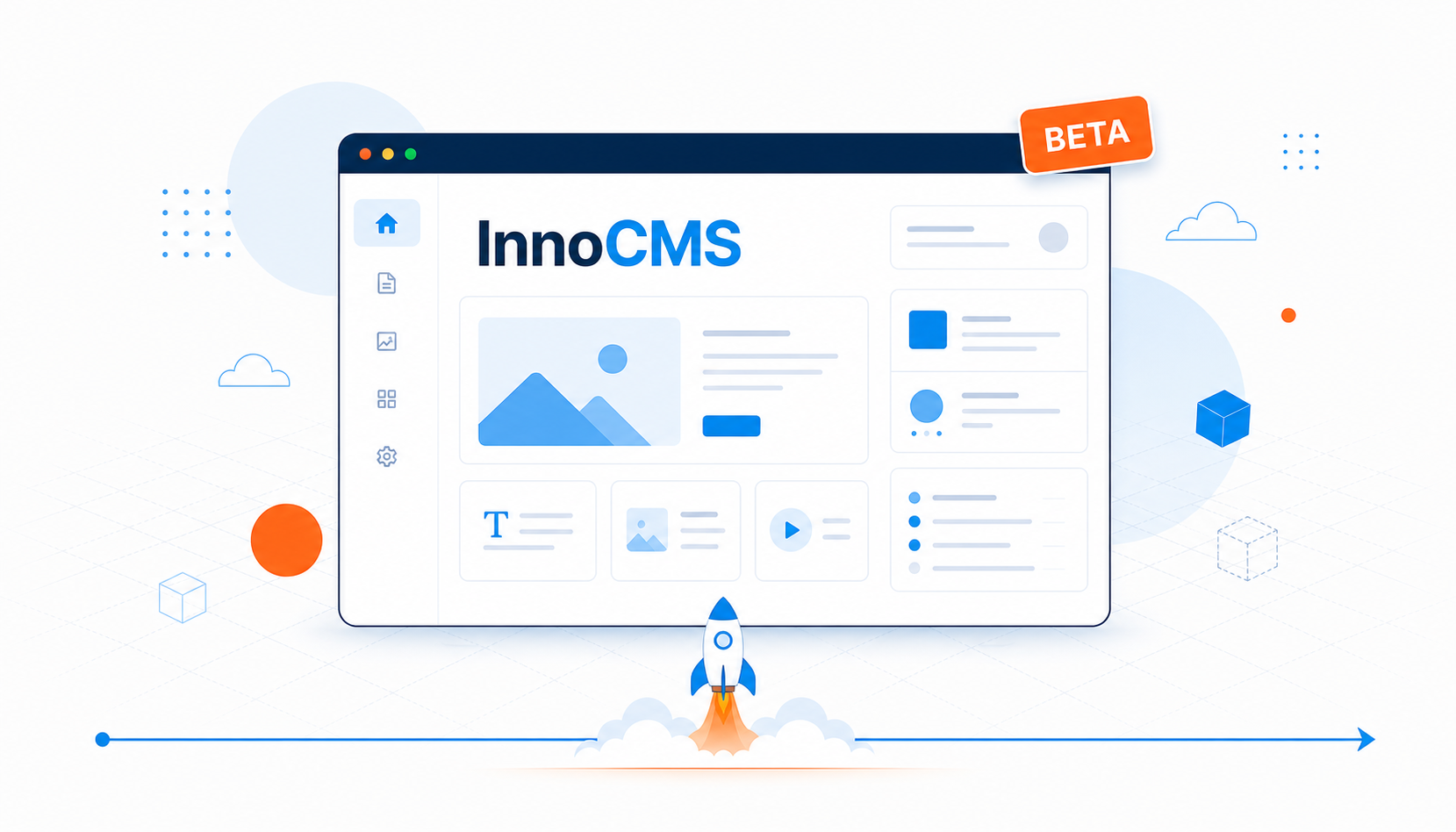
InnoCMS open-source enterprise CMS beta is now available. Lightweight, fast, and designed for rapid corporate website deployment.
InnoCMS open-source enterprise website system has released its beta version. Experience the convenience and efficiency of this innovative CMS. With its lightweight design, InnoCMS is built for rapid development and deployment, simplifying the website building process so your site goes from concept to reality in just a few steps.
Core Features
- Ease of Use and Efficiency: InnoCMS features a clean, intuitive design that is easy to learn, enabling your team to get up to speed quickly and boost productivity.
- Rapid Development and Launch: Through simplified installation and configuration workflows, InnoCMS helps your corporate website go live quickly, capturing every business opportunity.
- Customizable Development: The upcoming Hook-based plugin development mechanism will provide more flexible and free customization options.
Installation Steps
- Choose a PHP Environment: We recommend integrated environments like XAMPP, or custom PHP installations.
- Set Web Root Directory: Point your web root to the
publicfolder and configure URL rewriting. - Install Dependencies: Run
composer installto install required third-party packages. - Create Configuration File: Copy
.env.exampleto.envas your initial configuration file. - Configure Database: Fill in your database connection details in the
.envfile. - Generate Application Key: Run
php artisan key:generateto generate a security key. - Database Migration and Seeding: Run
php artisan migrate && php artisan db:seedto create the database schema and import initial data. - Compile Frontend Assets: Run
npm install && npm run buildto compile CSS and JavaScript files. - Login to Admin Panel: Use the default credentials (email: admin@innocms.com, password: 123456) to log in and customize your settings.
Developer Guide
- Independent Package Note: Files under
/innopackswill be released as independent Composer packages after v1.0. We recommend not editing them directly. - Frontend and Backend Development: Commands are provided to publish view files for secondary development.
Community Support
- If you encounter any issues during installation or usage, join our QQ group (ID: 960062283) for real-time help and support.
Join Us
- If you find InnoCMS helpful, please give our project a star on GitHub. Your support is the driving force behind our progress.
Visit the InnoCMS GitHub page to get started and join us in revolutionizing enterprise website building!